WAYS TO PLAY
How to play Alias online—or completely offline.
People searching for an Alias game online may mean three different things: a browser game, a remote match or a phone app. Here is what each format requires, how to protect secret words and when offline pass-the-phone play is the better choice.

IN THIS ARTICLE
QUICK ANSWER
Start with the useful version.
The simplest in-person Alias setup is one phone passed between teams; after the app and word content are available, the core round can be played without relying on Wi-Fi. For remote play, use a video call plus one trusted game host who privately views each word and keeps time, or let each household run equal local rounds and compare scores. Do not expose the target word through screen sharing. If you specifically want browser play, check that the service actually offers a playable web game rather than only an app download page.
WHAT ONLINE MEANS
Start by choosing the experience, not the device.
An “online Alias game” can describe a browser game that launches without installation, a mobile app discovered online, or a remote session played through a call. Those experiences are not interchangeable. A browser game prioritises instant access. An app can provide a deeper word library and dependable pass-the-phone controls. A video-call setup solves distance but needs a clear way to keep each target word private.
Choose based on where the players are. If everyone is in one room, adding accounts, invite codes and multiple screens usually creates unnecessary friction. If players are in different places, the challenge is not simply connectivity; it is information control. Only the active explainer should see the word, while everyone needs to hear clues, watch the timer and understand the score.
- Browser: instant access if a playable web version exists.
- App: one-device party flow.
- Video call: remote play with a privacy method.
- Offline: dependable travel and in-person rounds.
ONE ROOM
Pass one phone and keep everyone looking at people.
For an in-person match, install Alias before the gathering, choose teams and place the players so the device can move safely. The explainer holds the screen away from guessers, gives clues and marks the result. When time ends, the group confirms the score and the phone passes to the next team. One device is enough, and no one has to create an account merely to join the room.
If connectivity may be unreliable, open the app and required categories while a connection is available. Do not assume every digital product works offline in exactly the same way; verify the current app behaviour and downloaded content before a flight, cabin weekend or classroom with restricted Wi-Fi. A thirty-second rehearsal is better than discovering a missing pack when the group is ready.
- Install and open the app in advance.
- Load the category you plan to use.
- Turn on Do Not Disturb.
- Keep the screen angled toward the explainer.
ONE REMOTE HOST
A host can run the words without sharing the secret.
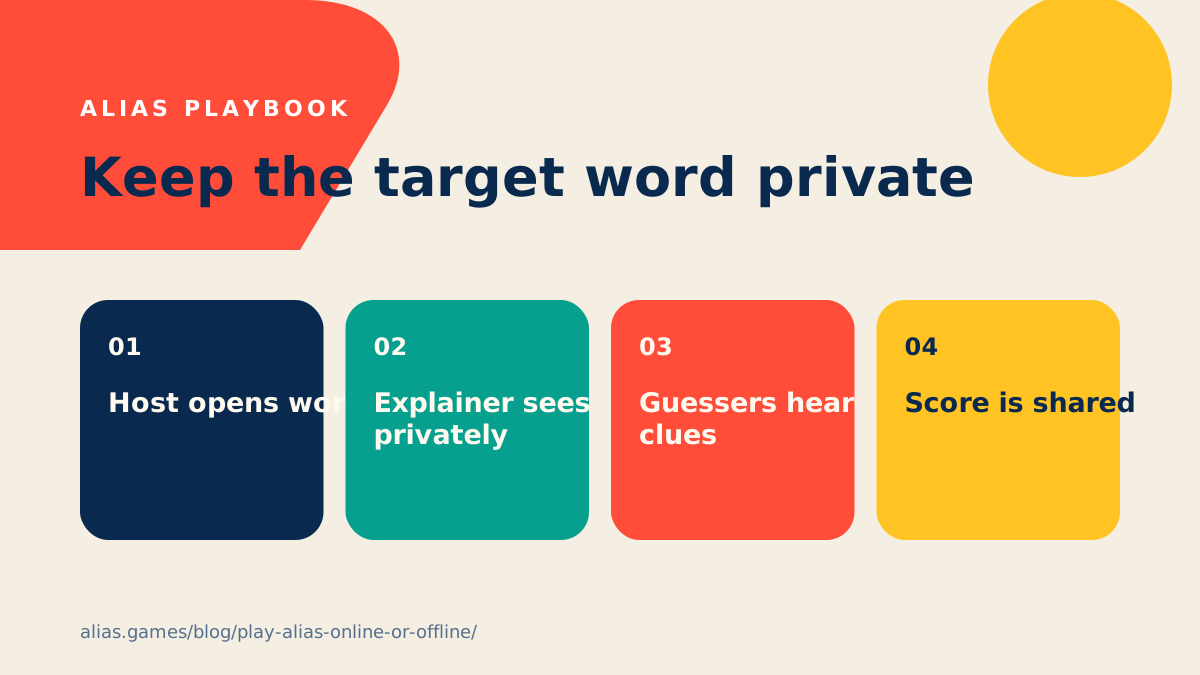
On a video call, appoint one non-guessing host for each turn. The host sends or shows the target word privately to the explainer, starts the timer and records correct answers. The explainer stays on camera and speaks normally while teammates guess. At the end of the round, the host announces the total and chooses the next explainer.
The host can use a direct message, a second device held close to the camera-facing player or a private breakout room. Never share the whole game screen if the target word is visible. Disable notification previews before using direct messages. A remote round works best at 60 to 90 seconds because video delay and overlapping speech slow the conversational rhythm.
- One host controls words and time.
- Target words travel privately.
- Guessers remain in the main call.
- Use a slightly longer timer for latency.
MULTIPLE HOUSEHOLDS
Equal local rounds remove the need for complex syncing.
When each household has the Alias app, teams can play one local round at a time while everyone remains on the call. Household A explains and guesses, announces its score, then Household B runs an equal round using the same duration and difficulty. The totals create a shared match without exposing screens or trying to synchronise every tap across devices.
Agree on category, timer, skip penalty and number of rotations before starting. Different random words are acceptable because Alias skill is measured across many prompts, not one identical card. If the group wants a more controlled contest, compare totals only after every household completes the same number of turns. This structure also handles connection dropouts gracefully.
- Match category and difficulty.
- Use equal round lengths.
- Complete equal numbers of turns.
- Share totals after each rotation.
BROWSER PLAY
Check the page does what the search result promises.
Some pages using “play Alias online” are true interactive games; others are articles, store redirects or unrelated games that share the word alias. Before inviting a group, open the page on the device you will use, start a test round and confirm that it offers the language, privacy and controls you expect. Look for a clear timer, legible words, scoring and a way to restart without losing the room.
Be cautious with sites that demand broad permissions, unfamiliar downloads or account creation before showing any gameplay. A web game should explain who operates it and how data is used. If the experience is only a promotional landing page, use the official store links instead of presenting it to friends as instant browser play. Accurate expectations are part of a good host setup.
- Test a complete round.
- Confirm language and category.
- Review permissions and privacy.
- Distinguish playable game from download page.
PLAYING IN ENGLISH
Match interface language, word language and clue language.
An English Alias game has at least three language choices: the interface players tap, the target words they receive and the language they use for clues. For native speakers, all three can be English. For learners, the group may use an English word pack and require English explanations, or allow short support in another language during the practice round.
State the policy before scoring. If translations are forbidden, make that explicit. If a learner does not know a target word, allow a neutral skip rather than forcing them to expose a vocabulary gap in front of the team. Keep the first pack concrete and familiar, then raise the difficulty. A language setting should create better communication, not merely a harder test.
- Interface language.
- Target-word language.
- Clue language.
- Translation and skip policy.
WHY OFFLINE MATTERS
A party game should survive the places where parties happen.
Travel, rented cabins, classrooms, basements and crowded venues often have weak or restricted connectivity. Offline access reduces the chance that a match stops during setup or between rounds. It also keeps a pass-the-phone game focused on the people in the room rather than logins, messages and network troubleshooting.
Prepare responsibly: charge the device, confirm the content is available, use battery saver only if it does not dim the screen too aggressively and bring a charging cable for long events. If the phone is also needed for navigation or emergencies, appoint another device when practical. Offline capability is useful, but good hosting still includes a backup plan such as charades or verbal categories.
- Charge before leaving.
- Confirm packs are available.
- Silence notifications.
- Keep one no-device backup game.
A SIMPLE DECISION
Choose the format with the fewest moving parts.
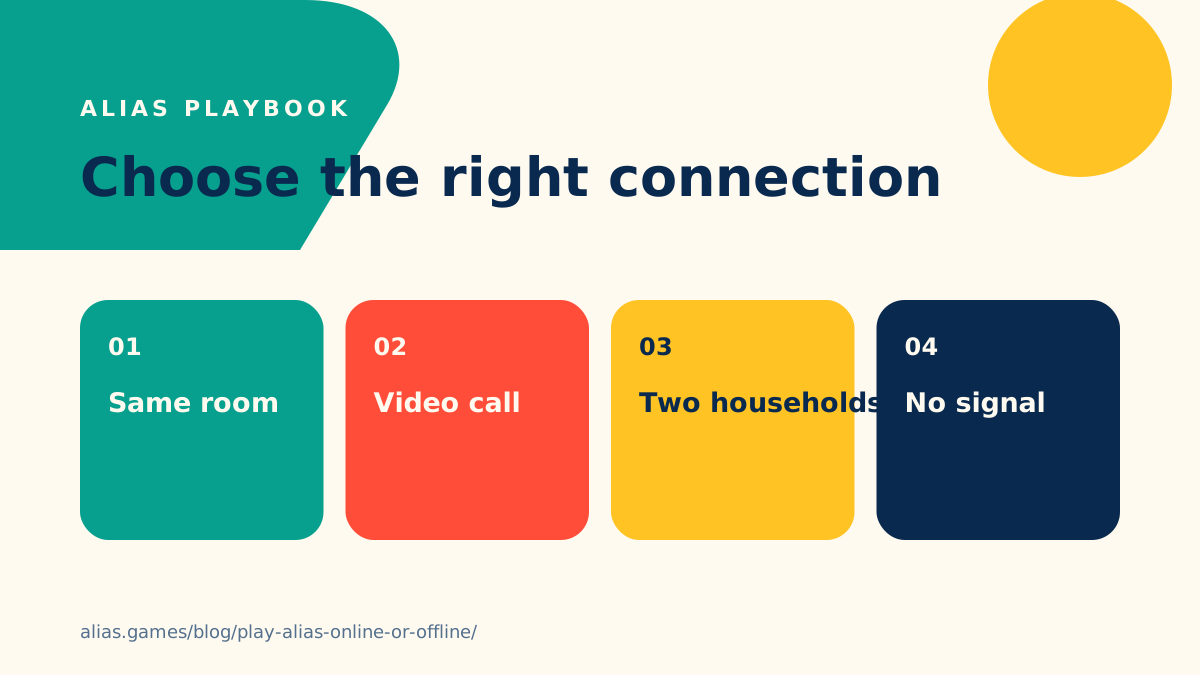
Use one-phone offline play when everyone shares a room. Use one remote host when a single group is spread across individual locations. Use equal household rounds when several pairs or families join a call. Choose a tested browser game only when instant access matters more than the app’s richer local flow. Every extra device, account and shared screen should solve a real problem.
Whichever setup you choose, run a private-word test before inviting the full group. Confirm that only the explainer can see the answer, that the timer is audible or visible, and that scorekeeping has one owner. Then stop adjusting technology and let the conversation take over. Alias works because people react to one another in real time; the tools should support that connection and then get out of the way.
- Same room: one phone.
- Remote individuals: one host.
- Remote households: equal local rounds.
- Browser: test before sharing the link.
COMMON QUESTIONS
Clear answers before the next round.
Can I play Alias online in a browser?add
Some services offer browser play, while others only describe the game or link to an app. Test the complete experience before inviting players and verify who operates the site.
Can the Alias app work without Wi-Fi?add
The core pass-the-phone experience is designed for play after installation without relying on a connection during the round. Confirm that the chosen content is available before travelling.
How do you play Alias over Zoom or another video call?add
Use a host who privately gives the word to the active explainer, controls the timer and records the score. Never expose the target word through screen sharing.
Can we play Alias in English if some players are learning?add
Yes. Use familiar English categories, a longer timer, a practice round and an agreed policy for translations and skips.
KEEP EXPLORING
Rules and specialist guides.
READY FOR A ROUND?
Turn the advice into sixty seconds of play.
Download Alias, choose the setup that fits your room and start with one clear clue.

